
Helium 10 Feature Is Not Active — Here’s the Exact Tool That Works
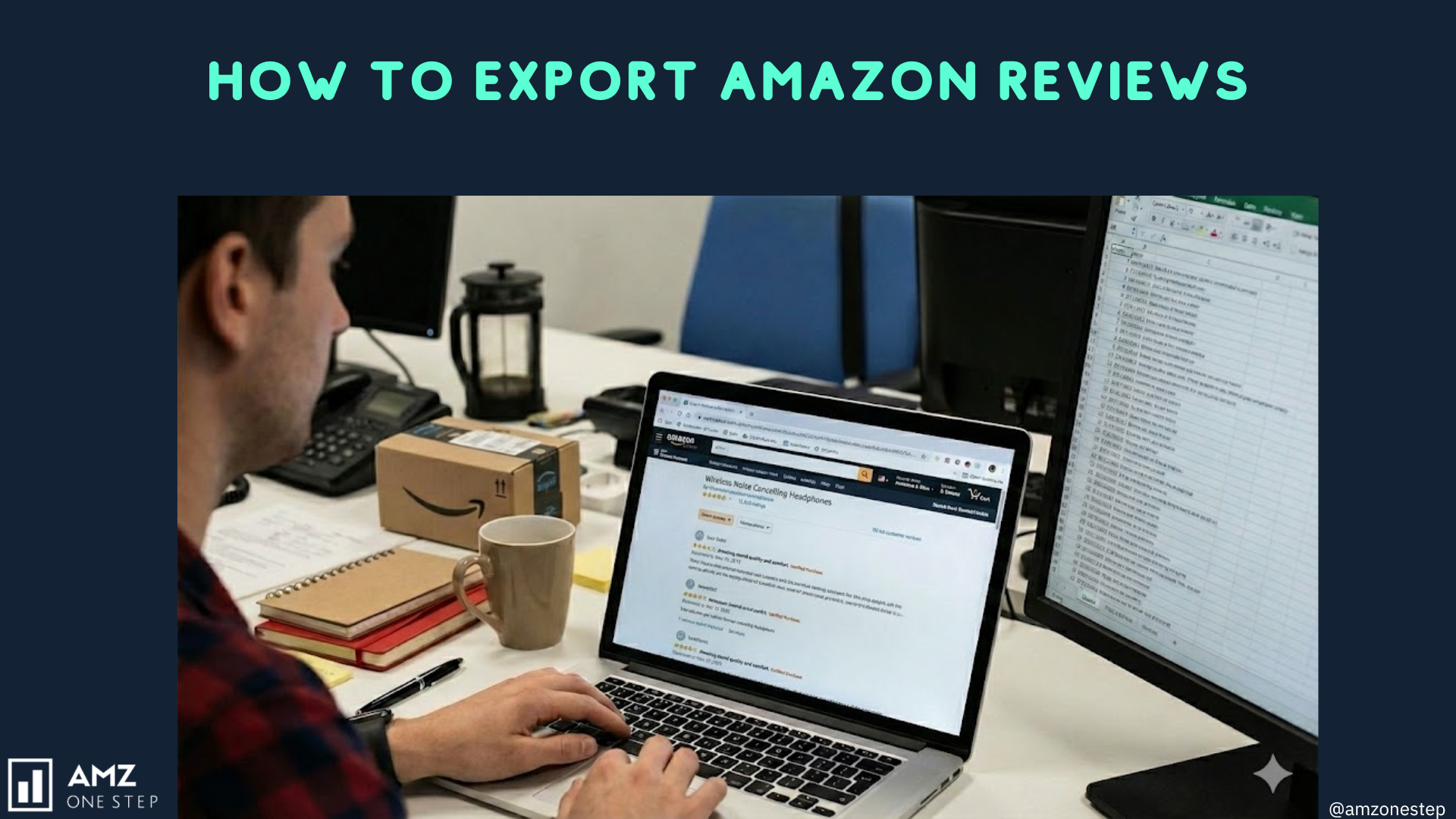
Amazon reviews are the single most valuable source of customer insights for sellers. They reveal product strengths, weaknesses, unspoken customer needs, and hidden opportunities that can dramatically improve your listing, creatives, and overall conversion rate. But as of now, many sellers have run into a frustrating problem: the Helium 10 review-export feature is no longer active, and most browser extensions only scrape a small portion of the reviews — often missing images, variations, timestamps, and complete sentiment patterns.
This gap has created a serious challenge for sellers who rely on detailed review exports to optimize their listings. Whether you want to improve your hero image CTR, diagnose negative feedback trends, or benchmark your product against a competitor, partial data simply isn’t enough. That’s where a new, reliable method has taken over the job — ListingOptimization.ai (LO Ai).
Why Exporting Reviews Matters More Than Ever
Amazon customers depend heavily on social proof, and your reviews shape their perception before they even scroll. But exporting reviews isn’t just about reading what customers say; it’s about converting that feedback into strategic action. When you analyze reviews deeply, you discover patterns that help you craft more powerful creatives, sharpen your positioning, and fix listing issues that may silently be costing you sales.
For example, if reviews repeatedly mention “confusing instructions,” you can add a clear step-by-step infographic. If customers complain about “product feels small,” you add dimensional renders and scale comparison images. Review insights directly lead to higher CTR because your visuals and copy finally speak the customer’s language.
This kind of optimization requires complete review data — not just the first 10 pages that most tools provide — which is why a reliable export tool is essential.
The Problem: Helium 10’s Review Exporter Is Not Active
For years, sellers depended on Helium 10’s Review Downloader. But the feature is now inactive, and even when available, it had limitations:
- It never exported all reviews.
- It didn’t include a complete analysis of sentiment and problems.
- It lacked deep competitor comparison capabilities.
- It required manual copy-pasting of insights.
Because of this, sellers who relied on H10 suddenly found themselves without a dependable way to extract complete review data for their own product or their competitors.
This shift has pushed sellers toward newer, AI-supported tools — and one of them has become the absolute go-to.
The Working Solution : ListingOptimization.ai (LO Ai)
LO Ai solves every limitation of Helium 10 and adds new layers of intelligence that Amazon sellers desperately need today. It doesn’t just export Amazon reviews — it analyzes them, breaks them into positive vs negative themes, and gives you a full comparison between your product and your competitors.
Unlike basic Chrome scrapers, LO Ai pulls:
- All reviews
- All star ratings
- All variations
- All timestamps
- All images & video-based reviews
- Verified purchase indicators
- Sentiment breakdown
- Recurring complaint patterns
- Recurring praise patterns
This makes it the most complete, accurate method for extracting Amazon review data.
How LO Ai Exports Amazon Reviews (Explained in Simple Steps)
1. Visit the platform and open the Review Insights tool
Once you log in to ListingOptimization.ai, you’ll see a dedicated section called Review Insights. This is designed specifically to help sellers export reviews with one click. Unlike older tools, you don’t need a Chrome extension or any browser scripts.
2. Enter your product’s ASIN — and add competitor ASINs too
This is where LO Ai gets powerful. You aren’t limited to your own listings. You can add:
- Direct competitors
- New market entrants
- Top sellers
- Products with similar keywords
The tool will process all review data across all selected ASINs, giving you a consolidated comparison.
3. LO Ai gathers full review data for you
Once you click “Generate Report,” the AI begins collecting 100% of the available reviews. It organizes everything clearly — positive, negative, variation-based, and theme-based. You don’t have to click through page after page on Amazon; LO Ai centralizes it instantly.
4. Export the data in your preferred format
You can download:
- CSV for deep analysis
- Excel for spreadsheets
- PDF summary for team or client presentations
These files are clean, structured, and ready to use — far better than messy browser-scraped data.
How Your Product vs Competitor’s Analysis Works
One of the biggest strengths of LO Ai is the side-by-side comparison dashboard. Exporting reviews alone is useful, but comparing them unlocks real strategy.
Here’s what LO Ai reveals:
Recurring Complaints
For example, if competitors receive complaints like “feels cheap” or “breaks in a week,” you instantly know what to highlight in your main image — premium materials, durability, thicker build, upgraded components, etc.
Recurring Praise
If customers love your product’s packaging, ease of use, or aesthetic appeal, these become your value propositions.
Feature Gaps
This is where sellers win. If competitor buyers complain about missing features, you can highlight your superior features visually — and absorb their traffic with better creatives.
Shared Problems
Sometimes, both you and your competitors share negative patterns. These become opportunities to update your listing, fix your product bundle, or improve your instructions.
This competitor intelligence is impossible to perform manually unless you export, categorize, and compare hundreds of reviews — something LO Ai automates instantly.
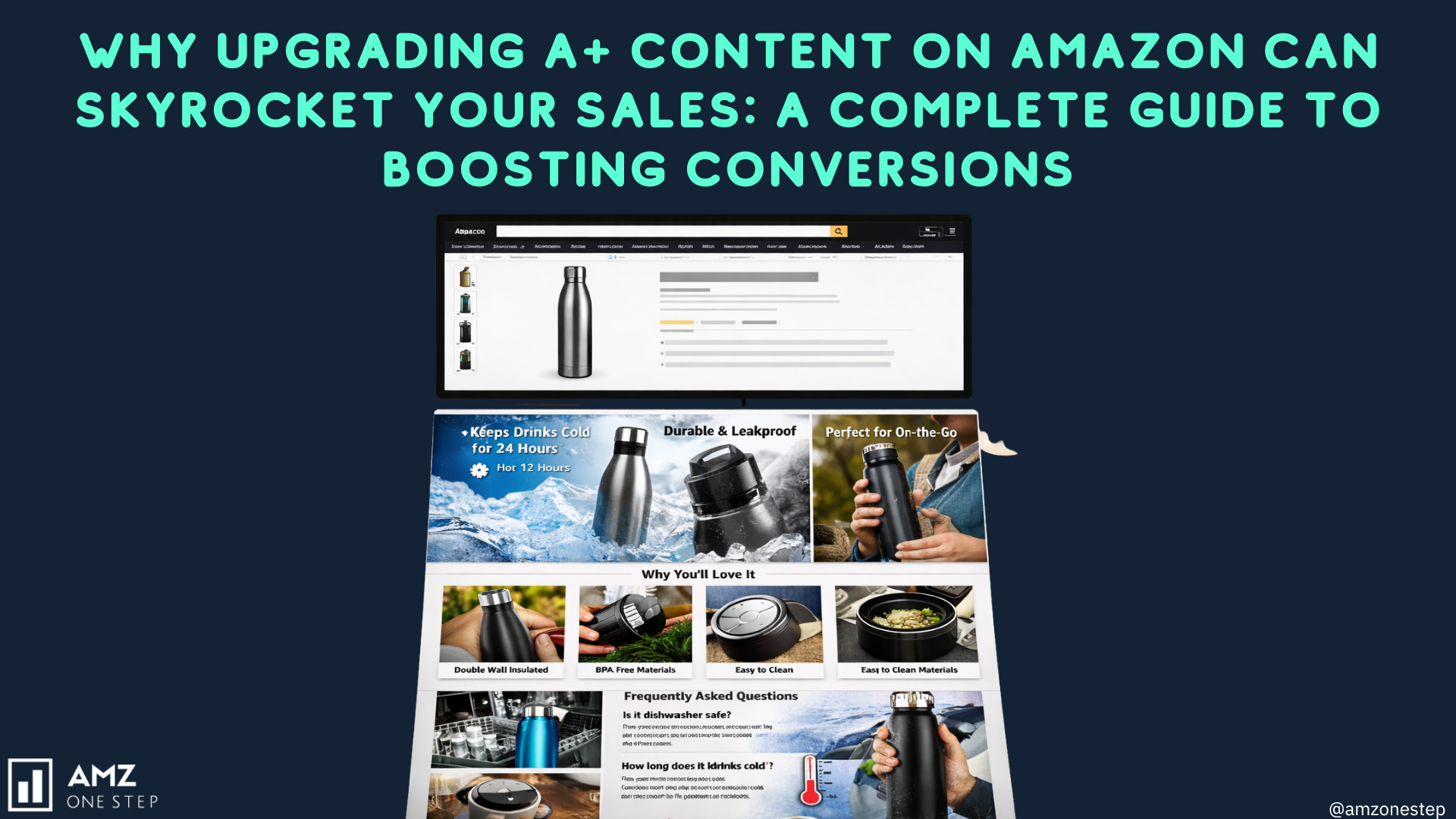
How Review Exporting Helps Improve Amazon Creatives
The biggest benefit of exporting reviews is not just understanding what customers say — it’s transforming those insights into better conversion-focused creatives. Review-driven creative optimization typically increases CTR by 15% to 40%.
Here’s how:
Solves Customer Confusion
If reviews say, “It was smaller than expected,” add dimensional renders and comparison shots.
Highlights Winning Features
If customers praise your “easy-to-clean design,” you turn that into a bold benefit icon.
Addresses Complaints Visually
If buyers complain about installation difficulty, add a step-by-step visual guide or QR code linking to a video.
Strengthens Positioning
If customers love your durability but complain about competitor flimsiness, the imagery shifts to emphasize strength and longevity.
This level of creative refinement is only possible when review data is deeply understood — and that requires a proper export tool.
Why Exporting Reviews Is Essential for Every Amazon Seller
Review exporting is more than a technical task — it shapes every decision you make on Amazon:
1. Listing Optimization
Using customer language helps you craft bullets, titles, and descriptions that feel natural and relevant to search intent.
2. PPC Targeting
Customers often reveal keywords in their reviews that sellers never think of — perfect for broad-match campaigns.
3. Product Development
Negative reviews offer free product R&D. You learn exactly what to upgrade in future batches.
4. Brand Trust & Storytelling
By understanding what customers value, you can create brand messaging that speaks directly to their emotions.
5. A+ Content & Storefronts
Review themes help you pick the right modules, icons, comparison charts, and lifestyle shots.
All these benefits rely on accurate, complete review data — which makes a working exporter essential.
Conclusion
In 2026, exporting Amazon reviews is one of the most important tasks for serious Amazon sellers. Since Helium 10’s review export tool is not active, the only reliable and fully-functional method available is the Review Insights tool on ListingOptimization.ai. It allows you to export complete reviews, analyze them, and compare your product vs competitors — all in one dashboard.
If you want, I can also create:
- A condensed version for social media
- A visual infographic for your blog
- A YouTube script based on this article
- A comparison chart of LO Ai vs Helium 10

Kamaljit Singh is the Founder and CEO of AMZ One Step and a former Amazon seller. Kamaljit has been featured in multiple Amazon podcasts, YouTube channels. He has been organizing meetups all around Canada and the US. Kamaljit has over 350,000 views on his Quora answers regarding FBA. Kamaljit also founded AMZ Meetup where he organizes conferences for Amazon sellers.